WordWeaver
Dynamic Crossword Generator Built with Custom Placement Algorithm
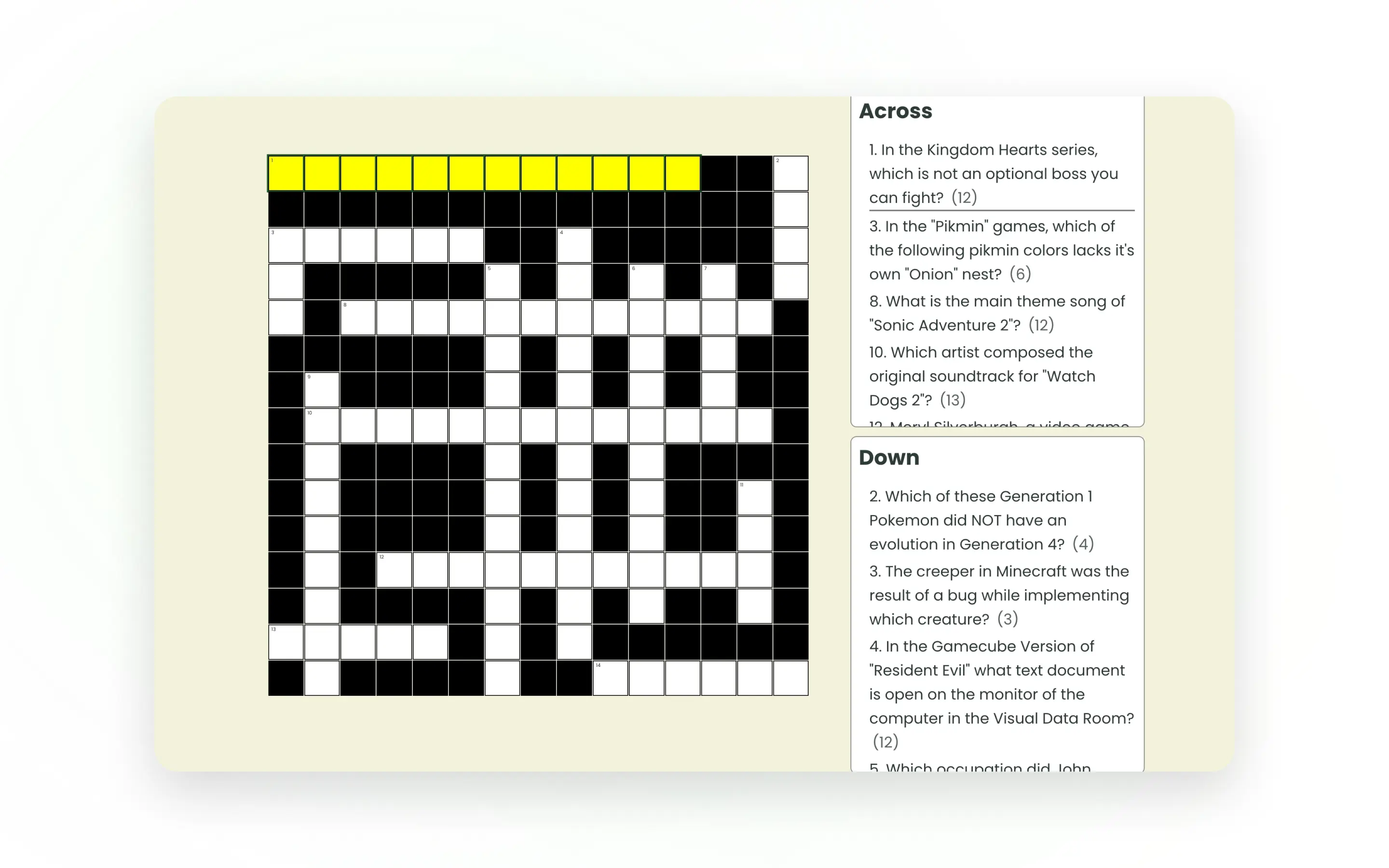
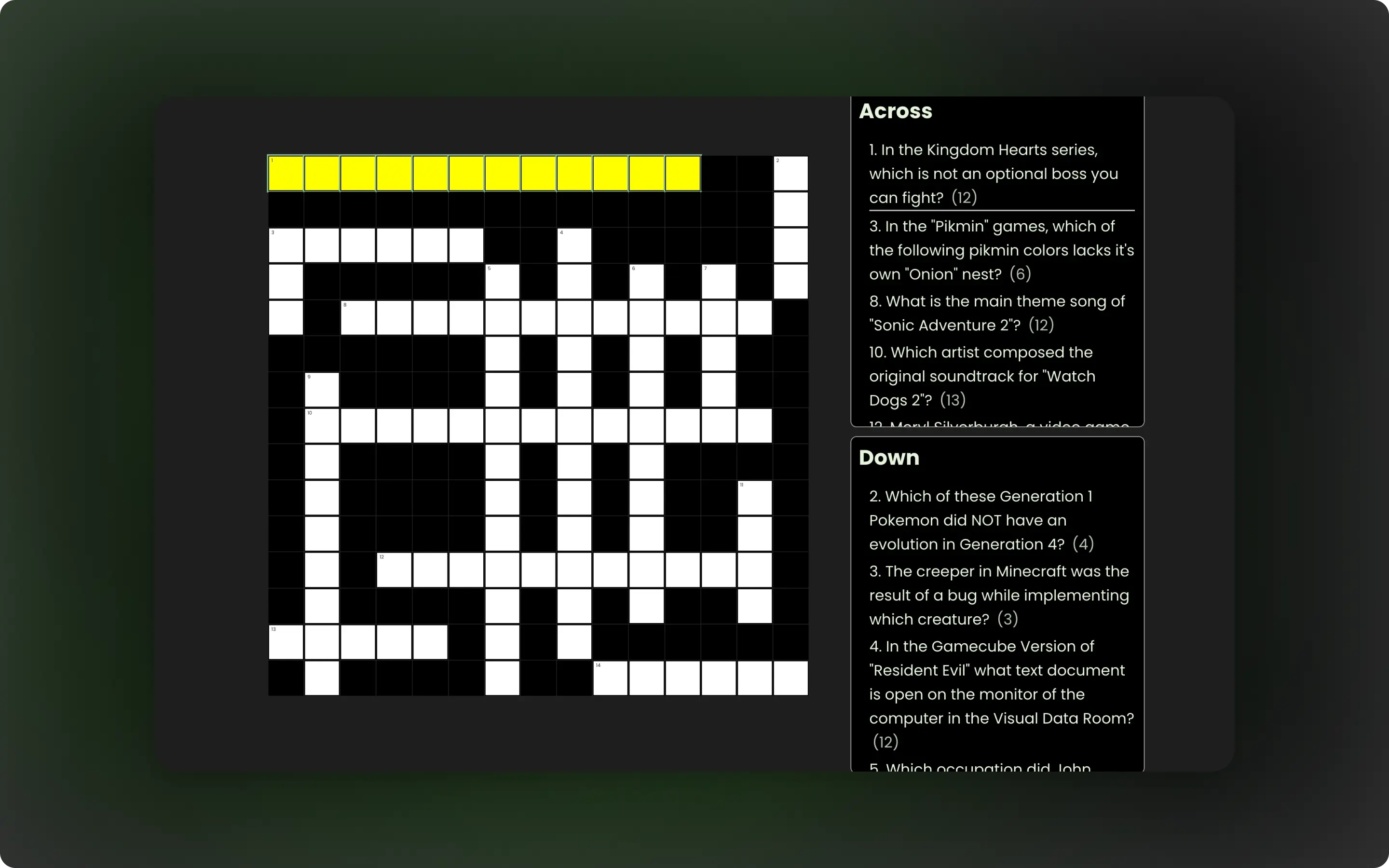
WordWeaver is a browser-based crossword puzzle game that generates puzzles in real time using API data. It demonstrates algorithmic problem-solving in JavaScript, including grid generation, constraint validation, and data-driven UI rendering.
Role
UX, UI, Logic, and Implementation
Stack
HTML, CSS, JavaScript (Vanilla), Open Trivia DB API
Timeline
1 Month
The problem
Most crossword games rely on pre-built layouts, limiting replayability and scalability. This project solves that by generating valid crossword grids dynamically from external data while maintaining strict placement rules.
The challenge was building a system that could:
- Clean unpredictable API data
- Generate valid word intersections
- Maintain a smooth and intuitive user experience
Goals
- Generate crossword puzzles dynamically from API data
- Ensure valid word placement with correct intersections
- Create a responsive and accessible user interface
- Support multiple difficulty levels through grid scaling
- Maintain smooth and intuitive gameplay interactions
Process
Discover
I began by breaking the project into three key areas: data handling, grid generation, and user interaction. Early research focused on how traditional crosswords are structured, particularly how words intersect and how grids are validated.
I identified the placement logic as the most complex challenge, so I prioritised designing the grid as a structured data model before moving into UI development.
Design
I adopted a data-first approach, modelling the crossword grid as a 2D array of objects. Each cell stores its position, value, and metadata such as associated clues.
I mapped the full system flow: API → data sanitisation → placement logic → grid generation → UI rendering. This separation of concerns made the system easier to reason about, test, and extend.
Wireframes focused on clarity and usability, particularly for navigating clues and interacting with the grid across different devices.
Build
Key technical implementation:
- Custom grid generation algorithm using a 2D data structure
- Word placement engine with constraint validation (canPlace logic)
- Multi-pass optimisation (shuffle + best-fit selection)
- API data sanitisation and filtering pipeline
- Data-driven rendering system (grid → UI sync)
Refine & Launch
Refinement focused on usability, accessibility, and edge-case handling. I implemented:
• Keyboard navigation for grid interaction
• Focus management and ARIA attributes for modals
• Visual feedback for correct and incorrect answers
• Responsive layouts for mobile, tablet, and desktop
I also tested edge cases such as incomplete grids and inconsistent API data before final deployment.
Solution
The final solution is a fully dynamic crossword puzzle system that generates unique puzzles on demand, integrates external data, and delivers a responsive, accessible user experience.
Key Features:
- Dynamic crossword generation (no fixed layouts)
- Intelligent word placement with intersection logic
- Keyboard navigation and accessibility support
- Real-time validation and feedback system
- Responsive design across all devices
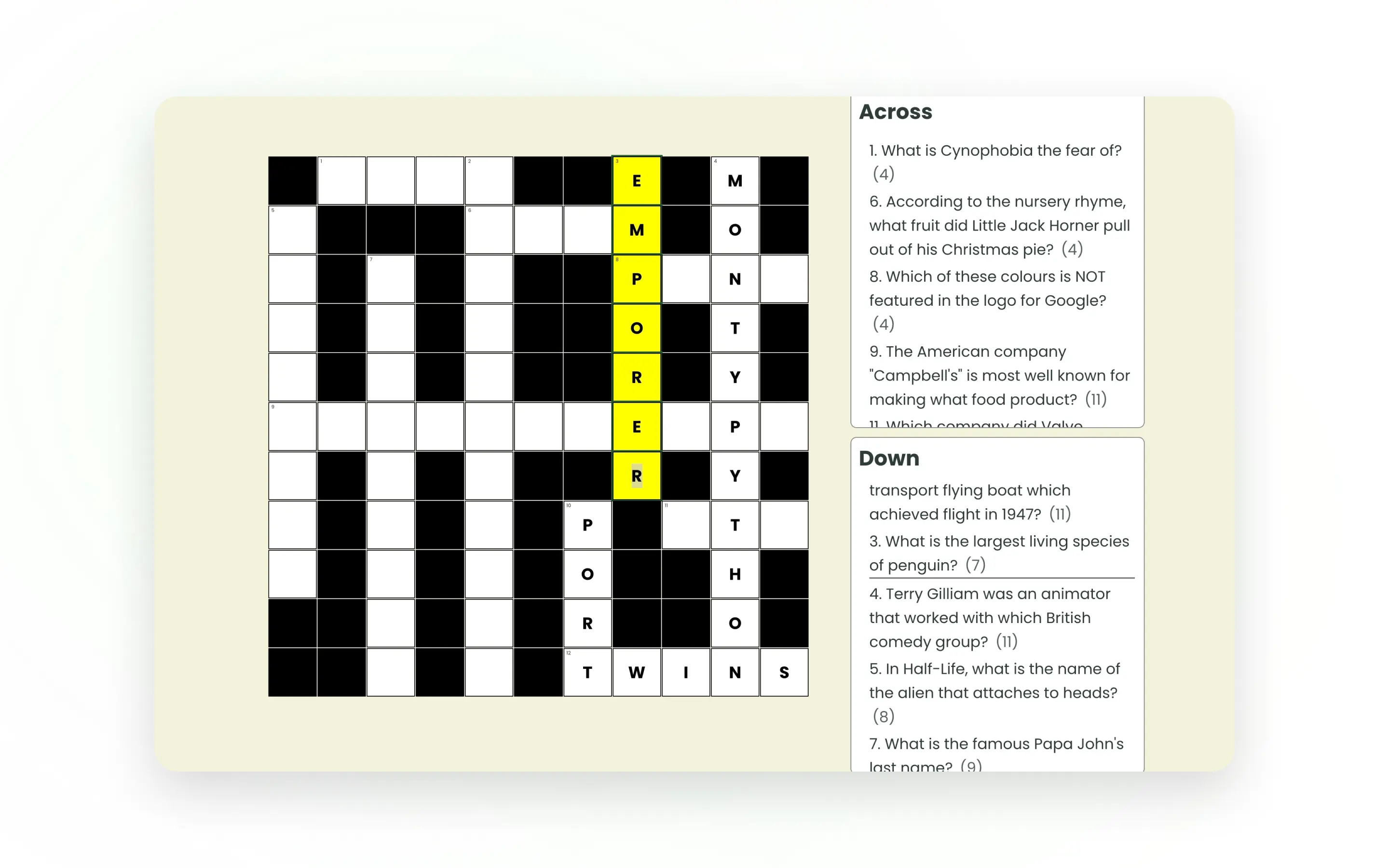
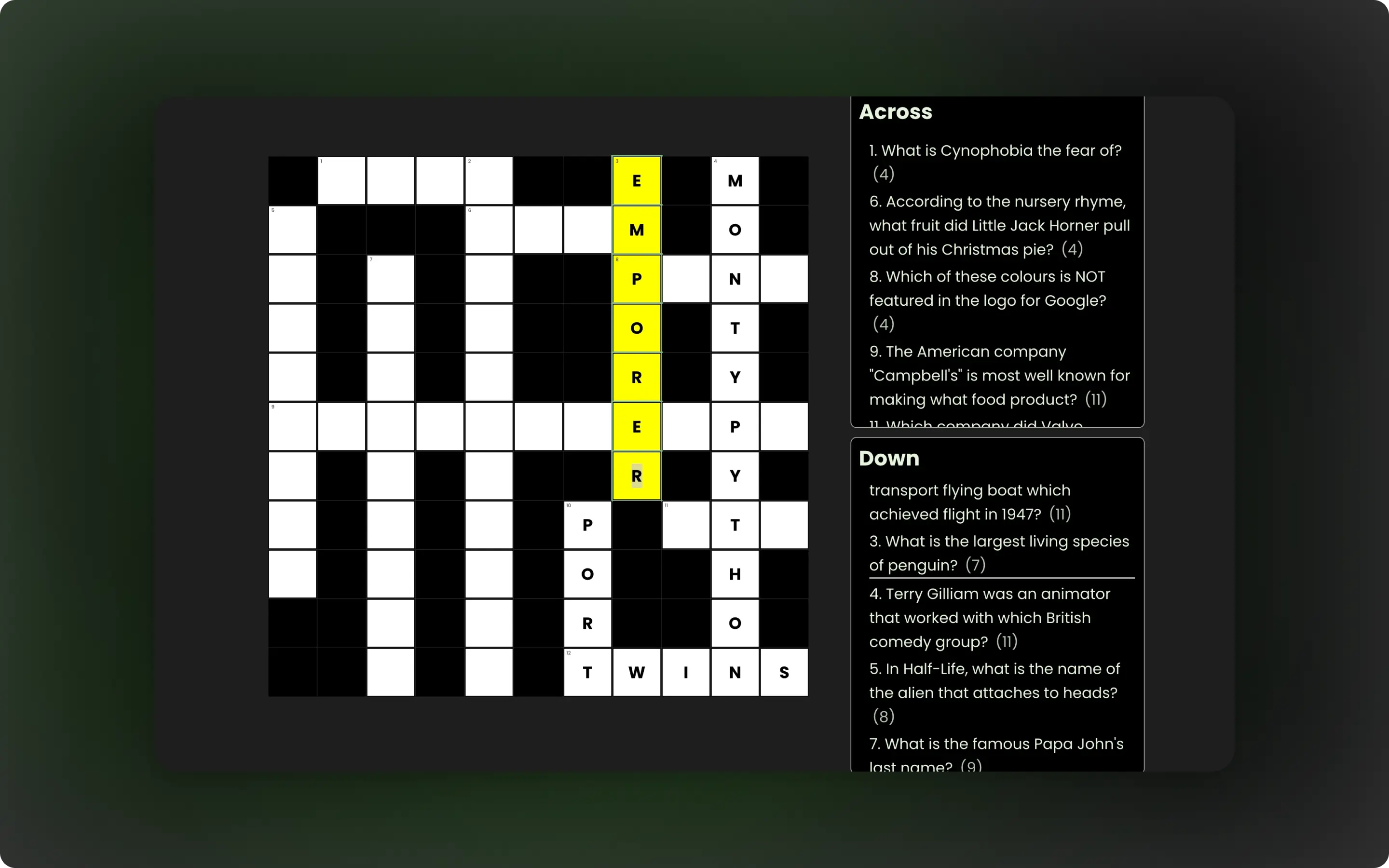
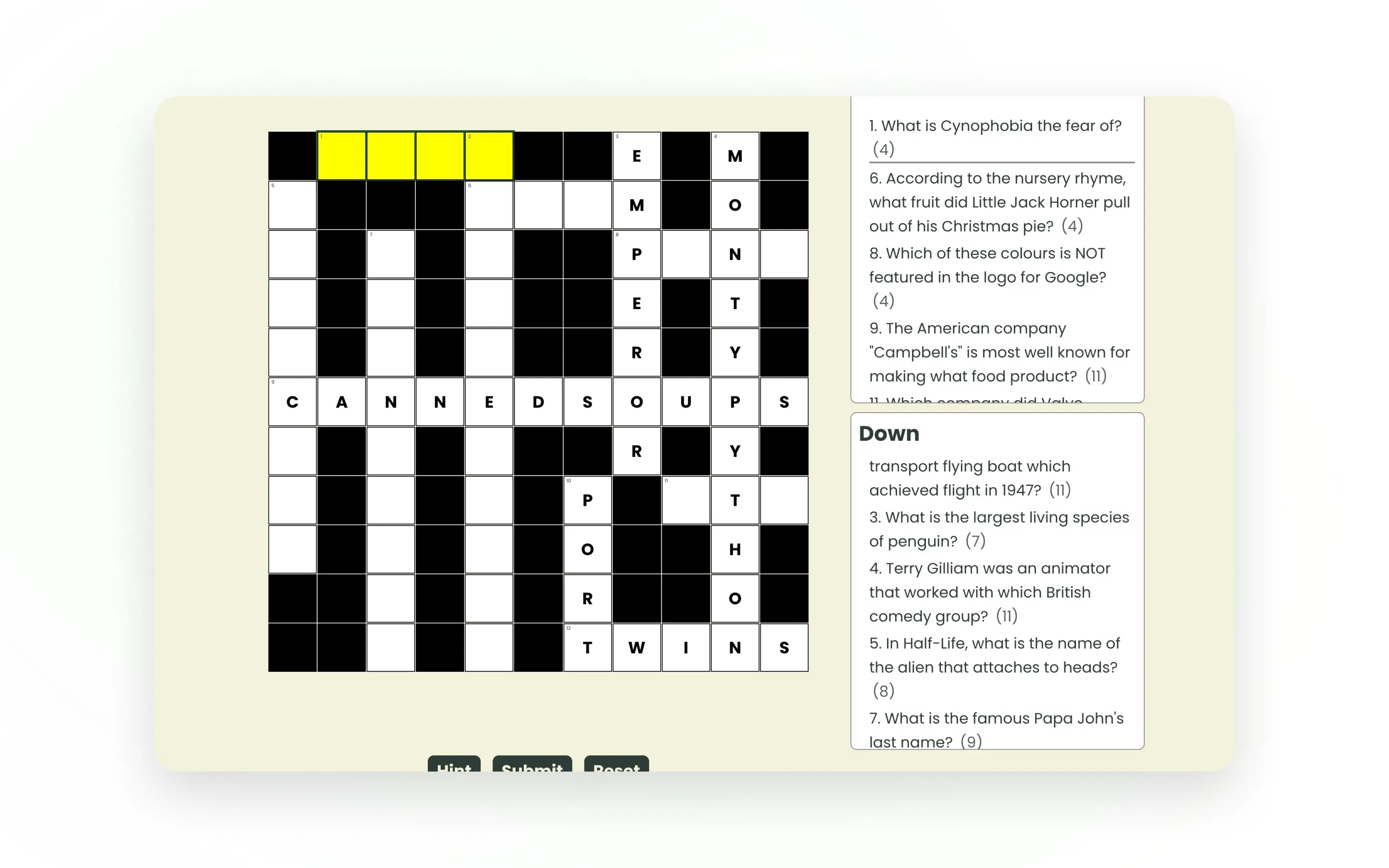
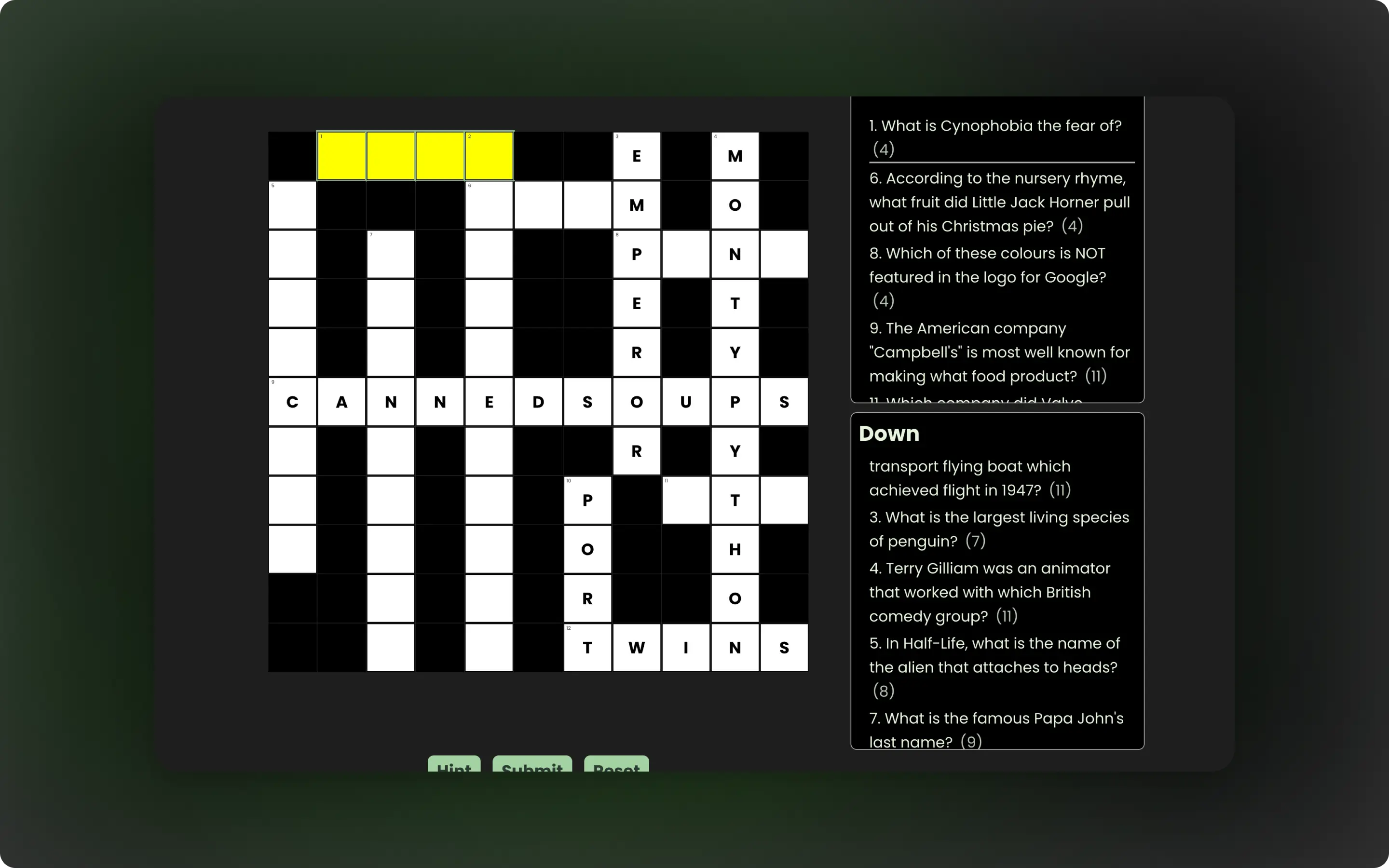
The application generates crossword layouts in real time using trivia data, rather than relying on predefined templates.
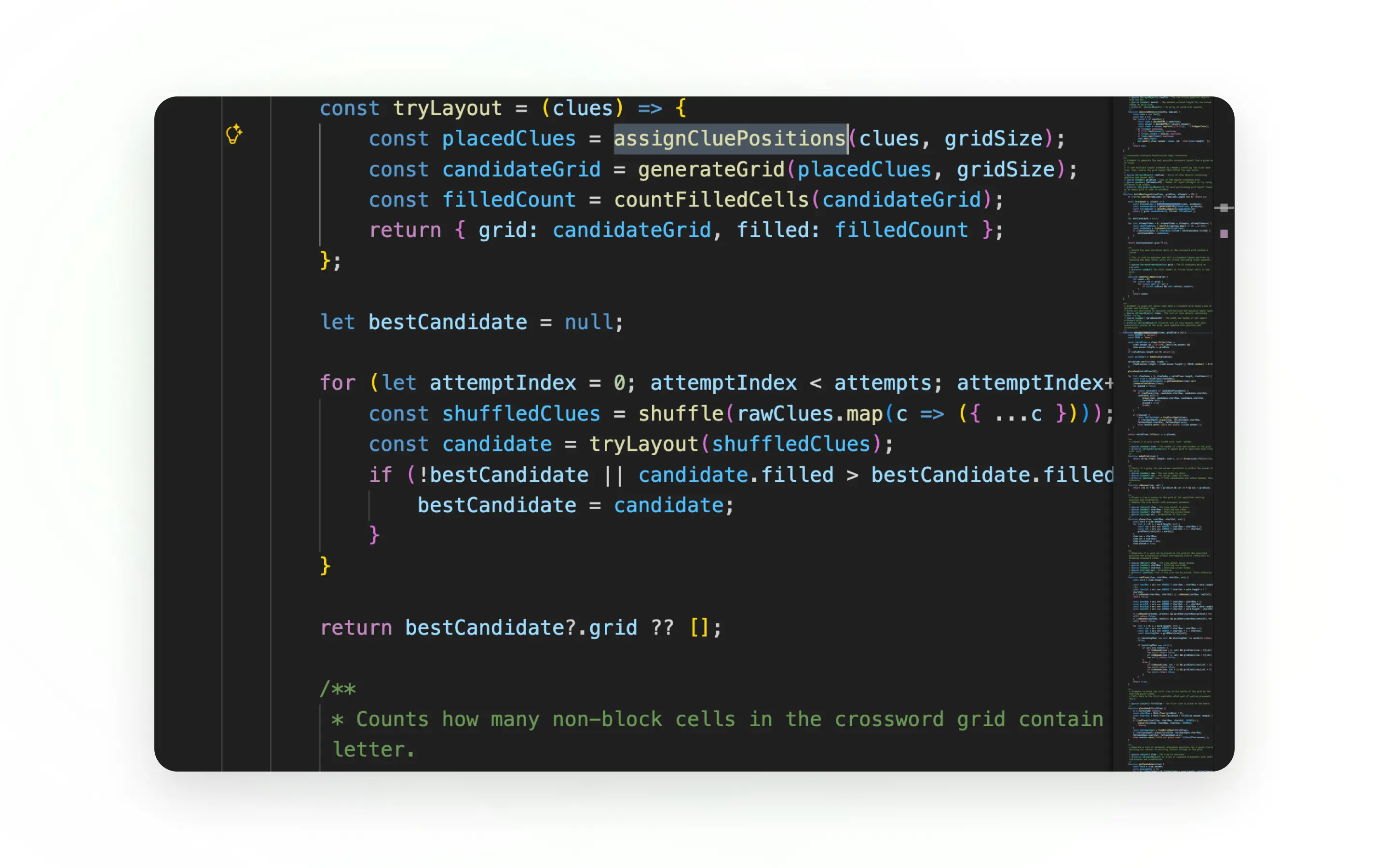
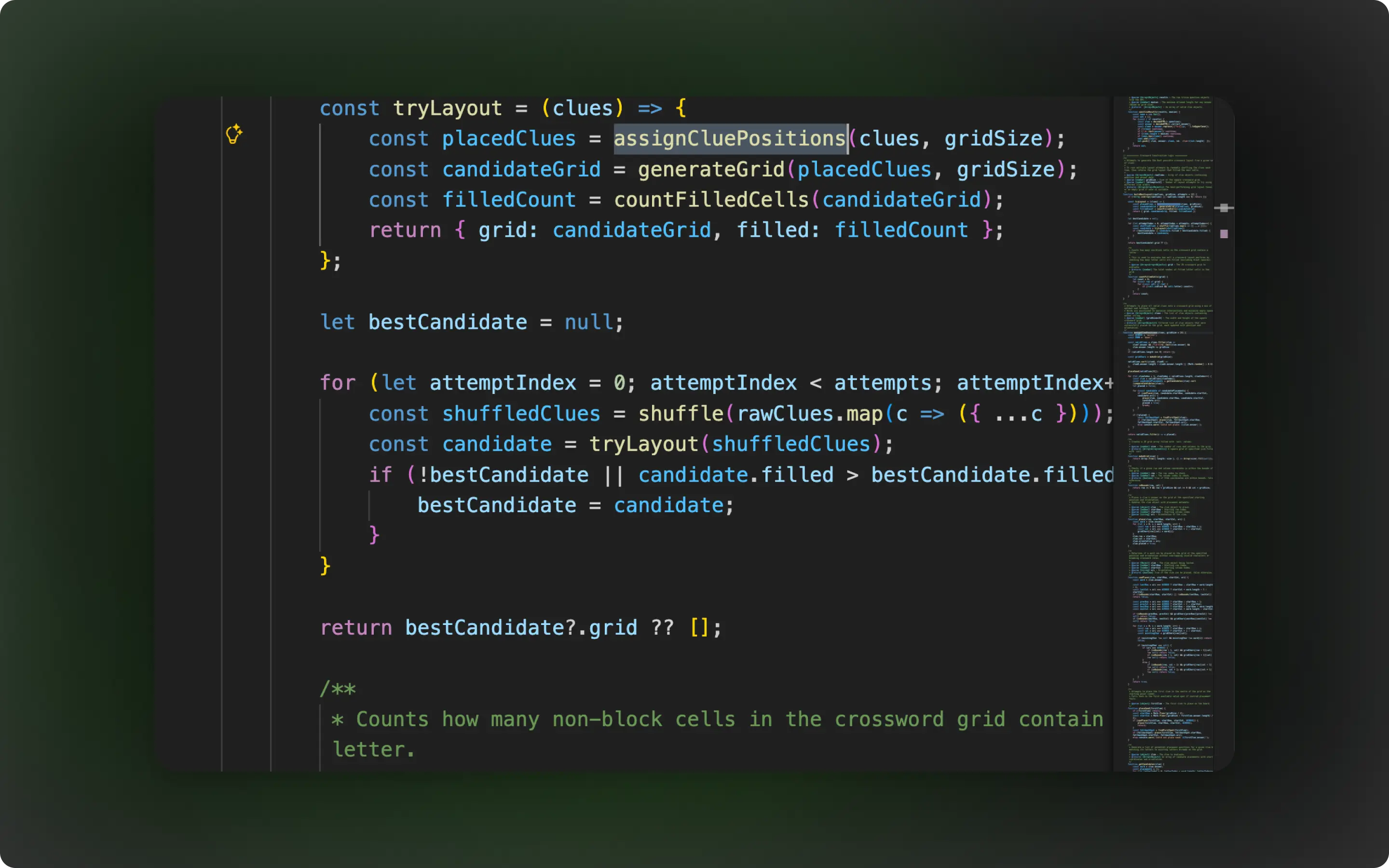
A custom algorithm processes cleaned API data and attempts to place words on a grid while respecting crossword constraints. By generating multiple layouts and selecting the strongest result, the system improves both puzzle quality and replayability.
Constraint-Based Word Placement Engine
Word placement is handled by a constraint-based validation system. The canPlace logic enforces boundary checks, prevents invalid overlaps, and ensures proper spacing between words. Candidate placements are ranked based on intersection potential and proximity to the grid centre, resulting in more cohesive and balanced layouts.
The interface is fully powered by the underlying grid data structure, keeping the UI and logic tightly aligned.
Each cell stores metadata linking it to clues, enabling features such as active word highlighting, keyboard navigation, and real-time validation. This approach ensures consistency and simplifies future feature expansion.
Outcome
This project demonstrates the ability to design and implement a non-trivial algorithm within a front-end application, combining data processing, optimisation techniques, and user experience into a cohesive system.
- Fully dynamic crossword generation with no hardcoded layouts
- Improved puzzle quality through multi-attempt grid optimisation
- Responsive and accessible user interface
- Clear separation between logic and presentation
- Strong demonstration of algorithmic problem-solving
- Implemented custom algorithm without external libraries
Reflections
This project significantly strengthened my ability to approach complex problems by breaking them into smaller, manageable components and designing systems around structured data.
Developing the crossword generation algorithm was both the most challenging and rewarding aspect of the project. It required iterative problem-solving, testing multiple approaches, and refining logic to handle edge cases effectively.
I also gained a deeper understanding of structuring larger JavaScript applications, particularly the importance of separation of concerns and maintainable architecture.
If revisiting the project, I would explore more advanced generation techniques and consider introducing a backend to support persistence and user-specific features.
Like this project?
If you like how I think and build, send a message and tell me what you need. I'll reply by email.